

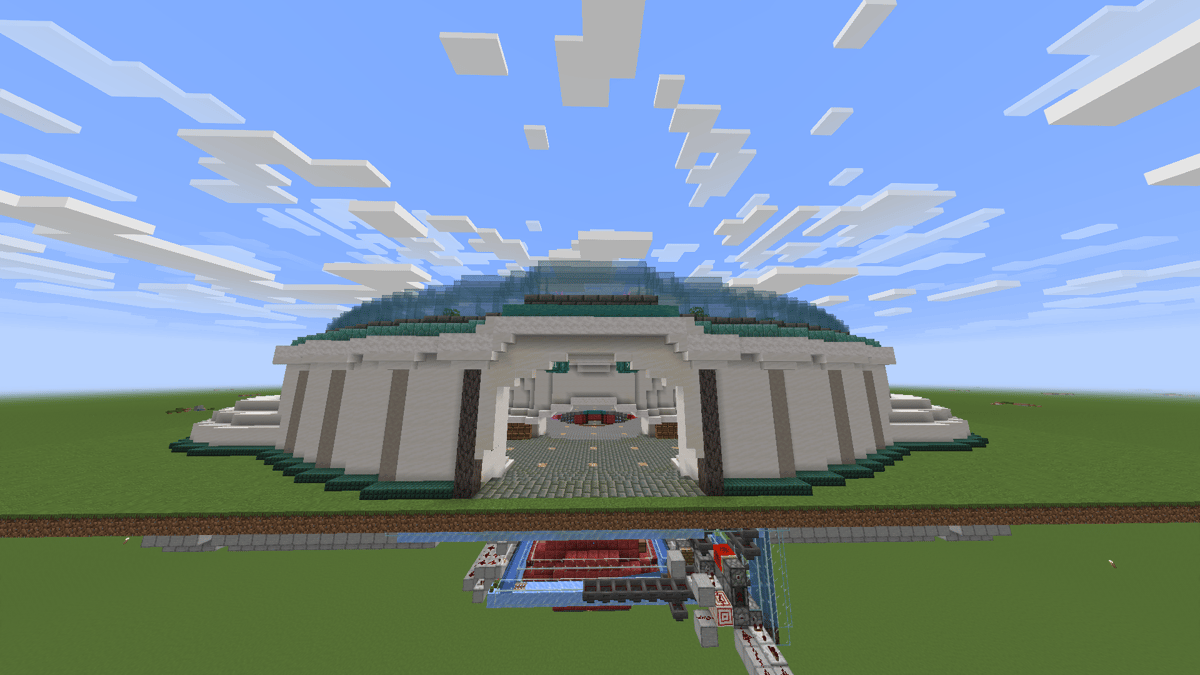
Automatic item storage of massive size, mechanism only: no walls, ceiling or garden. 105 × 35 × 105 block area (22,649 blocks) with 3,664 chests (1,831 double and 2 single), 3,857 hoppers and the entire sorting and transport system with redstone. It's the lightweight version that's easy to integrate: you paste it and add whatever building you want. The chests come empty.
How it works
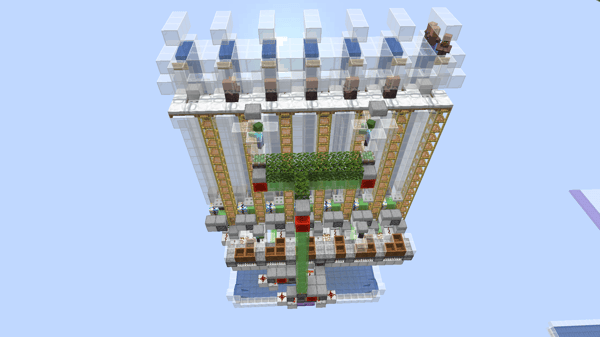
- Sorting by hopper filters: each item type has its filter (1 item + 4 iron ingots) and its chest. There are more than 860 hoppers with the filter already loaded, with up to 489 item types sorted.
- Copper golem plant: for items without a filter, 32 cells with 288 double chests where the golems sort the loose items, with 64 copper chests as input.
- Water transport and bubble columns (1,489 water blocks and 99 bubble columns), with powered rails and redstone, to carry the items to their place.
- Input and output with shulker boxes.
Storage statistics
- Chests: 3,664 (1,831 double and 2 single).
- Total slots: 98,928 (27 per chest, 54 per double).
- Capacity: 6,331,392 items with a stack of 64, 1,582,848 with a stack of 16 and 98,928 unstacked.
- Equivalent to about 3,664 full shulker boxes.
About speed
Each hopper moves 1 item every 8 ticks, that is, 2.5 items per second, and that is the figure that limits each input point. With several inputs in parallel, the total speed multiplies.
What it includes
- 3,857 hoppers, 582 comparators, 579 repeaters, 1,747 redstone, 576 redstone torches, 219 powered rails and 32 normal rails.
- 54 observers, 28 droppers, 1 dispenser, 4 pistons, 4 barrels and 1 target.
- Functional structure:
smooth_stone,packed_ice(ice channels), glass and glass panes,cherry_fence, spruce trapdoors, mud, sea pickles,soul_sandand signs. - No decorative blocks at all: if you want the complete building, I have the versions with decoration and the decoration only.
Technical details
.litematicformat, created in Minecraft 26.3 (DataVersion 5023).- Requires Minecraft 26.2 or higher.
- No mobs or entities: you have to place the copper golems and the items yourself. The filters come with the items from my world; change them for yours.
How to use it
Copy the file to the schematics folder, open it with Litematica (M + L → Load Schematics) and place it with the floor flush with the ground. It's huge: paste it in creative, with the chunks loaded and with time.
Comments