

Contents
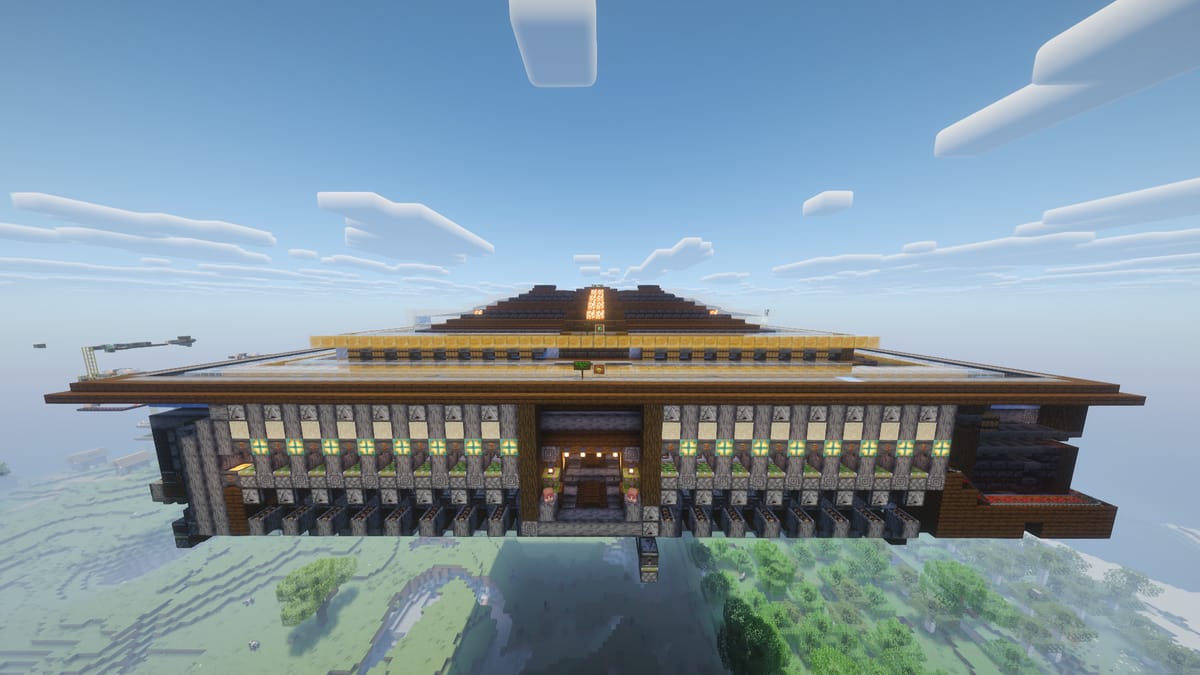
This version is a complete expansion of the previous Automatic Serial Trading Hall.
The main improvement addresses an issue with the original design: the expansion window was limited to approximately 30 seconds, because the Weakness effect applied to the Zombie Villager could expire before it reached its assigned curing capsule.
This new version greatly increases the system's capacity while adding several mechanisms to make operation and maintenance easier.
Main Features
-
76 Villager slots.
- The previous design only had 5 slots.
-
Filters for all supported trading items.
-
Central water input system for automatically introducing items such as:
- Golden Apples.
- Splash Potions/Arrows of Weakness.
- Enchanted Books.
- Emeralds.
- And other compatible items.
-
Second Weakness dispenser, providing additional time for the zombification and curing process.
-
Chunk Loader, activated by hitting the note block.
The design also retains all features from the previous version:
- Automatic zombification.
- Automatic emerald storage.
- Automatic Weakness application.
- Golden Apple dispenser.
- Automatic storage.
Layout
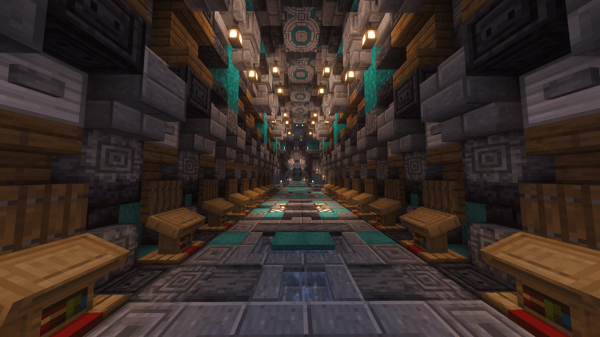
Unlike the previous model, this design is structured more like a trading hall rather than a simple trading corridor.
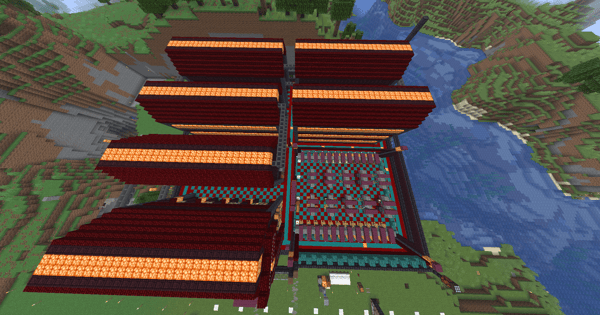
Each of the four corners serves a different purpose.
Corner #1 — Chunk Loader & Supplies
Chunk Loader
The Chunk Loader is activated by hitting the corresponding note block.
Rotten Flesh Storage
Zombie Villagers that are not needed can die inside the system.
Their Rotten Flesh drops are automatically collected and stored in the chest next to the Chunk Loader.
Minecart Refill Chest
The minecarts used by the system are automatically reused.
However, for the initial setup, there is a chest in front of the Chunk Loader where the starting minecarts must be placed.
Corner #2 — Experience Bottle Storage
Experience Bottles are automatically stored in the designated barrels.
The chests provide additional manual storage in case you want to keep shulker boxes filled with XP Bottles.
Corner #3 — Armor Storage Area
Dedicated area for storing armor obtained from villager trades.
Place any armor pieces you want to keep here for future use.
Corner #4 — Enchanted Books & Anvils
Dedicated storage area for:
- Enchanted Books.
- Anvils.
The Enchanted Book filters are already configured.
Simply throw compatible books into the central water input and the system will transport and store them automatically.
Functionality
Villager Input
To prepare a villager slot:
- Hit the note block of the desired trading cell once.
- A copper lamp above the cell will turn on.
- The lamp indicates that the cell is READY.
- Locate the sign labeled "Villagers Input / Entrada de aldeanos".
- Connect your rail line to the input system.
- Place villagers in minecarts and send them through the input line.
The system will automatically route them to the prepared cell.
Item Input
In front of the central water input, you will find several item frames.
These display the different items supported by the sorting system.
Simply throw compatible items into the central water source.
Enchanted Books
There is no need to manually place them into their filters.
You can throw any compatible enchanted book into the central water input.
The system will automatically sort and store it.
Notes
- Place one Zombie in the automatic zombification area.
- Fill all filters, both upper and lower sections, before using the project.
- Fill the initial minecart supply.
- Fill the Weakness Arrow supply.
- It is strongly recommended to test the older, smaller design first until you understand how the system works before building this version.
- The copper lamp above each trading cell acts as an indicator showing that the cell is ready to receive a villager.

Comments